
A passport, an email and a support ticket
AI makes sensitive documents buried in emails, support tickets and shared systems easier to find, exposing risks that already exist in outdated processes. Before expanding AI access, organizations need to understand what they collect, where it ends up, who can access it and when it should be deleted.
November 9, 2026
Recently I was asked to send a copy of my passport to complete a routine payment. The request didn't come through a secure portal or an identity verification tool. It came as an email from a support team, asking me to reply with the document attached.
Nobody involved was acting in bad faith. The person who wrote to me was following a compliance process, and the company publicly takes security seriously. That's exactly what made it worth writing about.
The moment stayed with me less because of identity theft and more because of a question most organizations can't answer today: once that passport arrives, where does it actually go, and what can reach it?
How one attachment becomes many copies
An emailed document never lives in one place. Before anyone looks at it, a single passport scan has typically been copied into:
- the sender's sent folder, on every phone and laptop that syncs it
- mail servers and filtering services on both ends
- the support platform, where it's saved as a file attached to the ticket
- backups and archives of all of the above
- any downstream system the ticket syncs with, such as a CRM, a data warehouse or a reporting tool
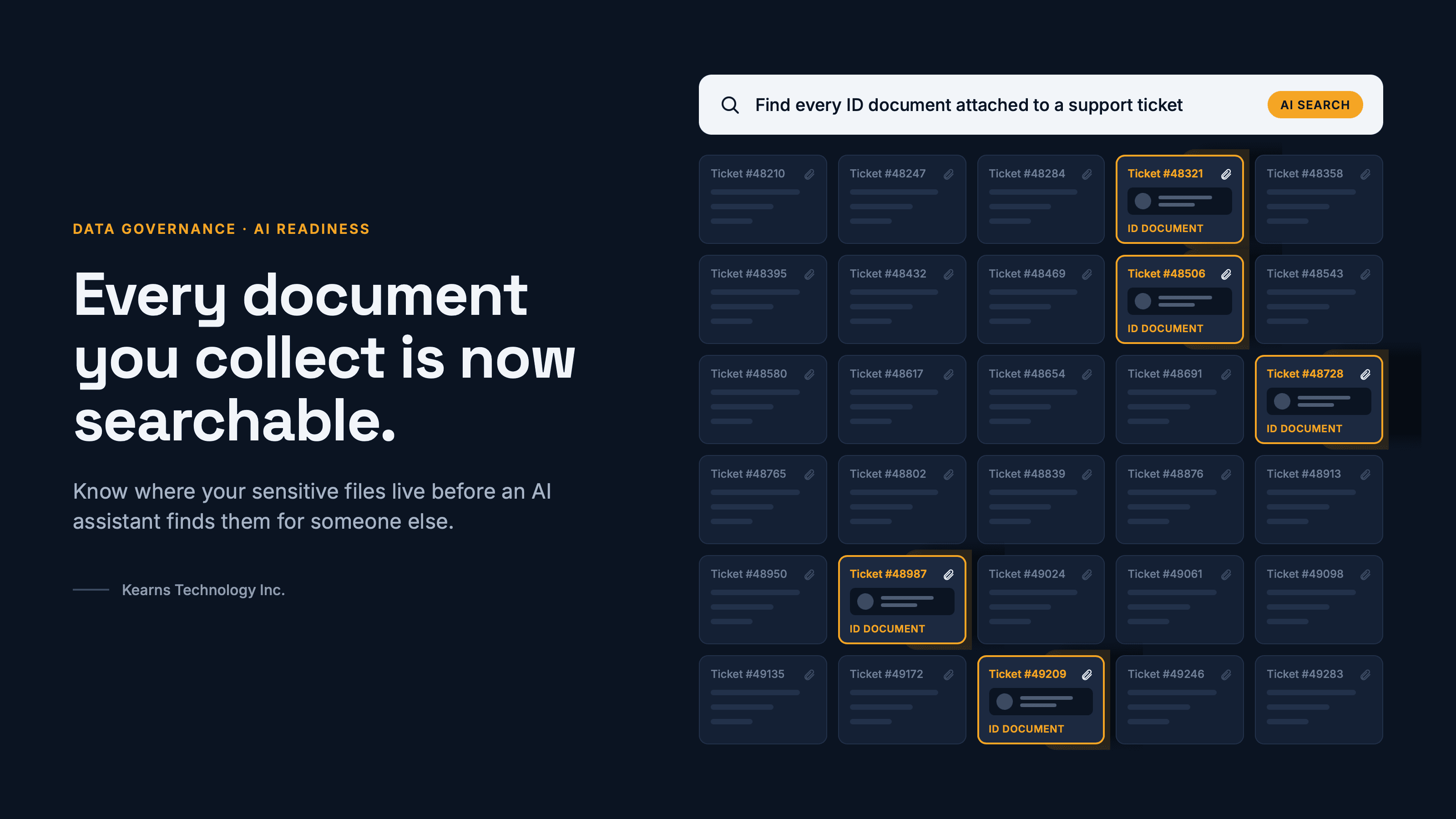
Inside the ticketing system, the passport is just another attachment. It has no label saying it's a government ID. It usually sits next to thousands of other tickets with the same access rules, and it stays there long after the payment is resolved.
Most platforms encrypt their storage. That protects the disk, not the document. Anyone, or anything, with access to the ticket can open it in plain view.
What changes when AI can read everything
For years, a forgotten attachment was protected by obscurity. Finding one passport among a million tickets took time, intent and a lot of clicking. AI assistants remove that friction.
Most workplace AI tools don't create new access. They work with whatever the person asking can already reach, then search it, summarize it and connect it in seconds. Microsoft's own Zero Trust guidance for Copilot makes this point: the assistant doesn't elevate anyone's permissions, but it makes existing access far more visible and efficient. And each new connector to a support desk, CRM or file share widens what the assistant can reach on a user's behalf, often into systems whose permissions don't line up neatly with the rest of the environment.
Now put the passport back in that ticketing system and picture two ordinary scenarios.
An employee asks the wrong question. Someone on the support team, curious or careless, asks an AI assistant to list every customer who sent a passport this year. Nothing was hacked and no rule was technically broken. Their access was always that broad. The AI just made it effortless.
An attacker borrows an identity. A threat actor phishes one support agent's login. They don't need to know the system or spend weeks looking around. They ask the assistant to find identity documents, bank details and anything marked confidential, and get a tidy summary back in minutes.
In both cases, the weak point wasn't the AI. It was a document collected through an unsecured channel and stored somewhere nobody was watching. AI simply turned a quiet risk into a fast one.
A process problem, not a people problem
The person who asked for my passport was doing their job. The process they followed was probably written years ago, when email was the default channel and AI couldn't read a whole support desk in seconds.
That's the real gap. Most organizations care about privacy and security, and say so sincerely. But the threat landscape now moves faster than the processes built to manage it. A workflow that was reasonable in 2019 can quietly become a liability in 2026, without anyone changing a single step.
Adding AI tools makes the gap bigger. Every assistant, connector and automation inherits whatever your old processes left lying around. Before you widen what AI can reach, it pays to know what's already sitting there.
Six questions worth answering this quarter
You don't need a large program to start. You need an honest map of where sensitive information enters your business and where it ends up.
Question
What good looks like
- Where do we ask people for ID or other sensitive documents?
- A short, known list of processes, each with a reason it truly needs the document
- How does it reach us?
A secure upload or verification tool, never an email attachment
- Where does it land, and how many copies exist?
- One controlled location, not inboxes, tickets and synced laptops
- Who, and what, can read it?
- Named roles only, with AI assistants and connectors explicitly scoped out of sensitive stores
- How long do we keep it?
A set retention period, with automatic deletion once the purpose is met
- Would we know if it was searched or exported?
- Logging and alerts on access to sensitive files, including access through AI tools
- If several of these are hard to answer, that's normal. It's also the signal to look before you connect anything new to AI.
How KTI helps you find what's hiding in plain sight
This is the work our vCIO team does with clients. It starts with a conversation, not a scan.
- We sit down with your people. Support, finance, HR, sales: the teams who actually collect information from clients and staff.
- We follow the documents. For each process, we trace how sensitive information arrives, where it's stored, how many copies exist and who can reach it, including your AI tools and connectors.
- We give you a report card. A plain-language grade for each process: what's working, what's exposed and what to fix first, ranked by risk and effort.
- We help you fix it. From secure intake to retention rules to scoping AI access, we work through the changes with your team.
The goal isn't to slow down your AI plans. It's to make sure that when you turn them on, they only find what you meant them to find.
If you'd like a report card for your organization, contact KTI and we'll set up a conversation.